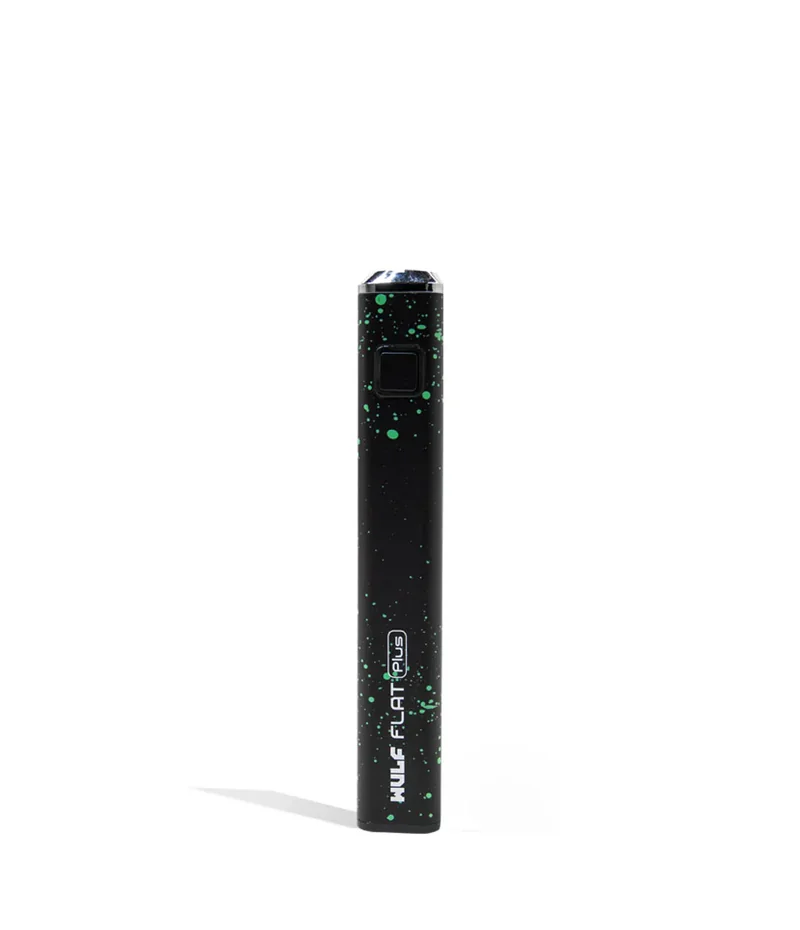
Wulf Mods Flat Plus Cartridge Battery
The Flat Plus For Cartridge Multiplication Give your oil vaping a boost by checking out the Wulf Mods Flat Plus Cartridge Battery! The Flat Plus has been designed with a sleek slender body to make bringing it along easy no matter what situation you find yourself in. Bringing power to the Flat Plus operation is a capable 900mAh battery, 3 professionally tuned heat settings (2.6, 3.2, 3.8v), and an intense 10s pre heat functionality. For seamless Flat Plus sessions, the battery has been equipped with intuitive single button operation, a USB-C charging port, and protective 15 second safety power cut off. Make sure that your Flat Plus is decked out to fit your own personal vibes by taking a look at the 9 available color designs including some spatter hits like red-white and pink-black. Loading A Cartridge Into the Flat Plus To start using your Flat Plus Cartridge Battery you must first select your desired cartridge and then proceed to attach it to the 510 threaded connection port on the vaporizer. Gently twist your cartridge into the Flat Plus by turning it clockwise until the two pieces are flush against each other. Once they are firmly in place you are all ready to go! Using the Flat Plus In order to start vaping, press the “power” button 5 times in succession to switch your Flat Plus to on mode. When successfully done your Flat Plus power button will flash with a white light 5 times to let you know your device is now successfully powered on. Now you are ready to start your Flat Plus cloud blowing experiences and all you have to do is hold down the power button to start heating your cartridge. Adjusting Your Temperature The Flat Plus comes equipped with 3 distinct heat settings that have been specifically tuned to get the most out of its 900mAh battery. Your voltage options and accompanying light colors are 2.6v / white, 3.2 / green, and 3.8v / red. To switch between the different settings, press your home button 3 times in succession and your voltage will be swapp...